War Thunder Camo Unlocker
Unlock every cosmetic locally
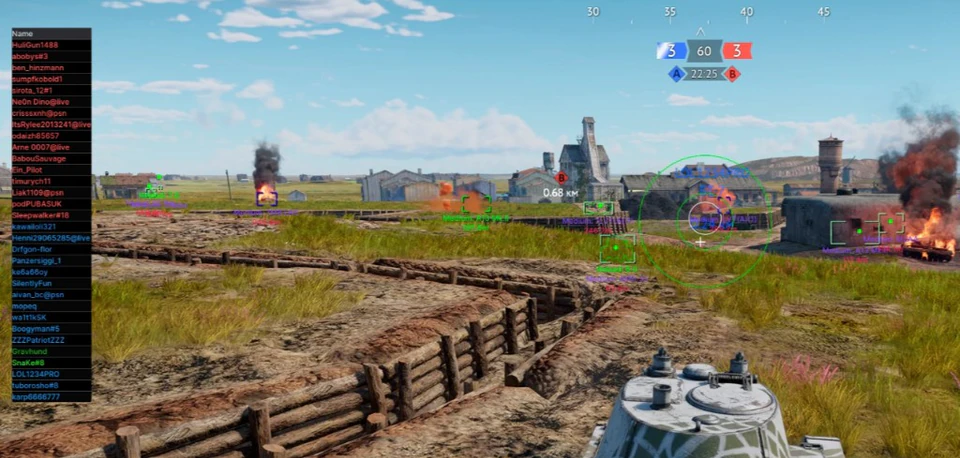
At a glance
Key capabilities
What War Thunder Camo Unlocker focuses on before you open the full module list.
Plus 7 additional modules in the operator portal—see the full list below.
Overview
Camo Unlocker / Unlock All
How this build fits ranked, Realistic Battles, and patch-day workflows.
Unlock All lets you preview camouflages, decals and vehicle skins on your War Thunder client. It does not change your Gaijin inventory or store purchases.
Only you see the preview skins. Other players see your real inventory. Included with Elite, or buy it alone without combat modules.
Local preview only
Cosmetics display on your client for testing and content creation. Other players in your lobby see your actual inventory, not preview skins.
Included with Elite
Camo Unlocker ships inside the Elite tier. Buy standalone here if you want cosmetic preview without full combat modules.
Modules
What's included
Every module and overlay shipped with War Thunder Camo Unlocker—toggle and tune in the operator portal.
- Camo skin swap
- Camo & decal preview
- Decal & camo customizer
- Hangar preview editor
- Cursor & HUD theme
- Camo & decal replacer
- Favorites list
- Loadout export
Experience
In the client · After you buy
Use the screenshots above for War Thunder Camo Unlocker—below is what each layer means and how access works after checkout.
In-game layers
- Layer A
Full ESP overlay
Player list, map-wide ESP boxes and aimbot FOV.
- Layer B
Chams ESP
Bright chams through terrain with range labels.
- Layer C
Combat ESP
Full combat overlay with list, boxes and FOV.
Guides
Learn more about War Thunder Camo Unlocker
Curated articles for setup, tuning, and patch-day checks that match this product.
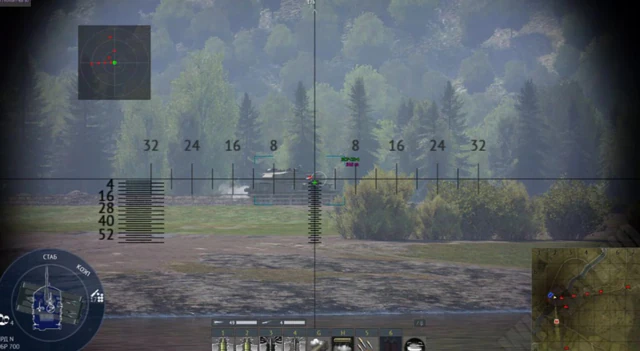
Preview camos, decals and exclusive sets locally with our Unlock All Camo Unlocker module.
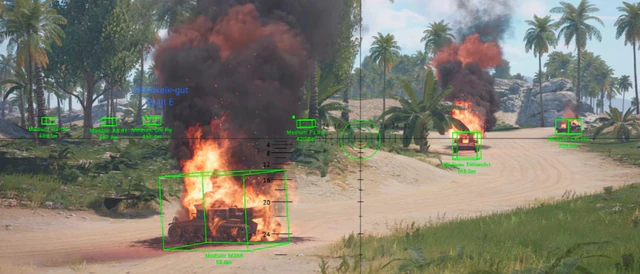
Complete guide to our War Thunder hack—Aimbot, Target Assist, Camo Unlocker, Radar Hack, ESP Wallhack and Auto Repair Assist.
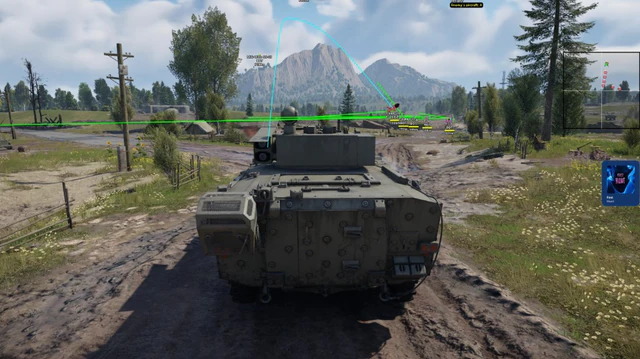
Hide ESP wallhack and script overlays from OBS, Game Bar and capture cards—test workflow for content creators.
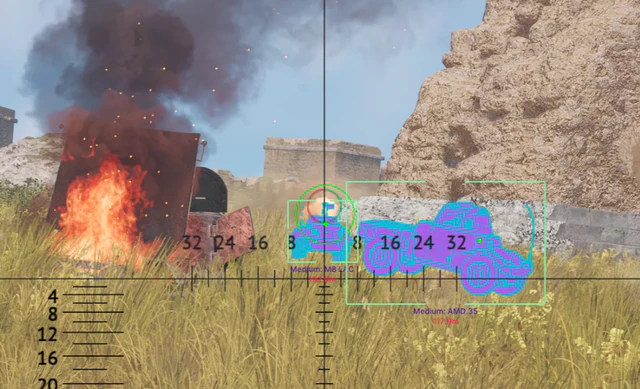
Use Test Drive and Test Drive sessions to practice aimbot smoothness, ESP ranges and loadouts before Ranked.
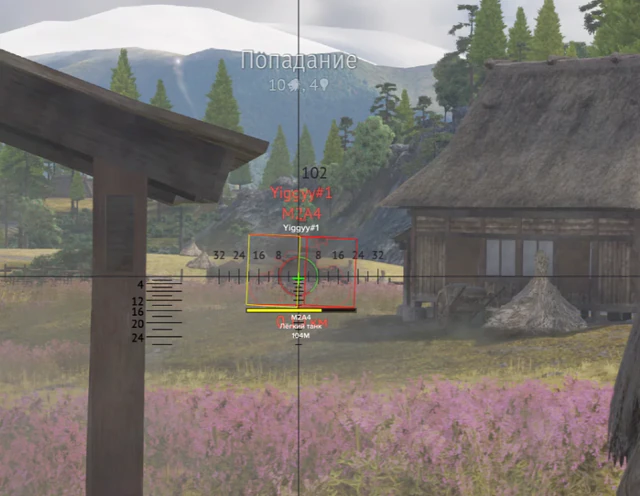
Test Drive and bot-lobby workflows to tune aimbot, ESP wallhack and ground target ESP before Ranked.
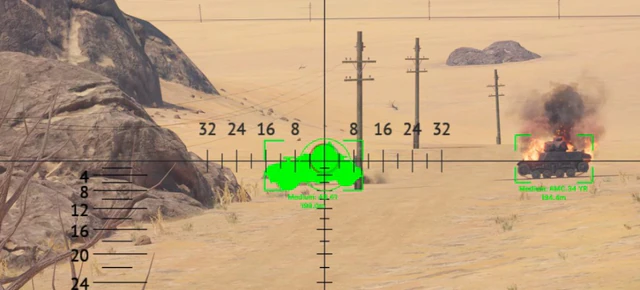
Test Drive vs Ranked: how to test aimbot and ESP in practice islands before using private War Thunder hack.
Cheat FAQ
War Thunder hack questions
Straight answers on aimbot, ESP, bans and setup — see the full FAQ for every topic.